> ## Documentation Index
> Fetch the complete documentation index at: https://botpress.com/docs/llms.txt
> Use this file to discover all available pages before exploring further.
# Control access to your agent
If you're an owner or administrator in your workspace, you can restrict who in your Workspace has access to your agent.
Access control requires a [Team plan](https://botpress.com/pricing) or higher.
Go to ** Settings** in your agent's menu.
Select **Access Control**.
Here, you can select which members of your Workspace have access to your agent:
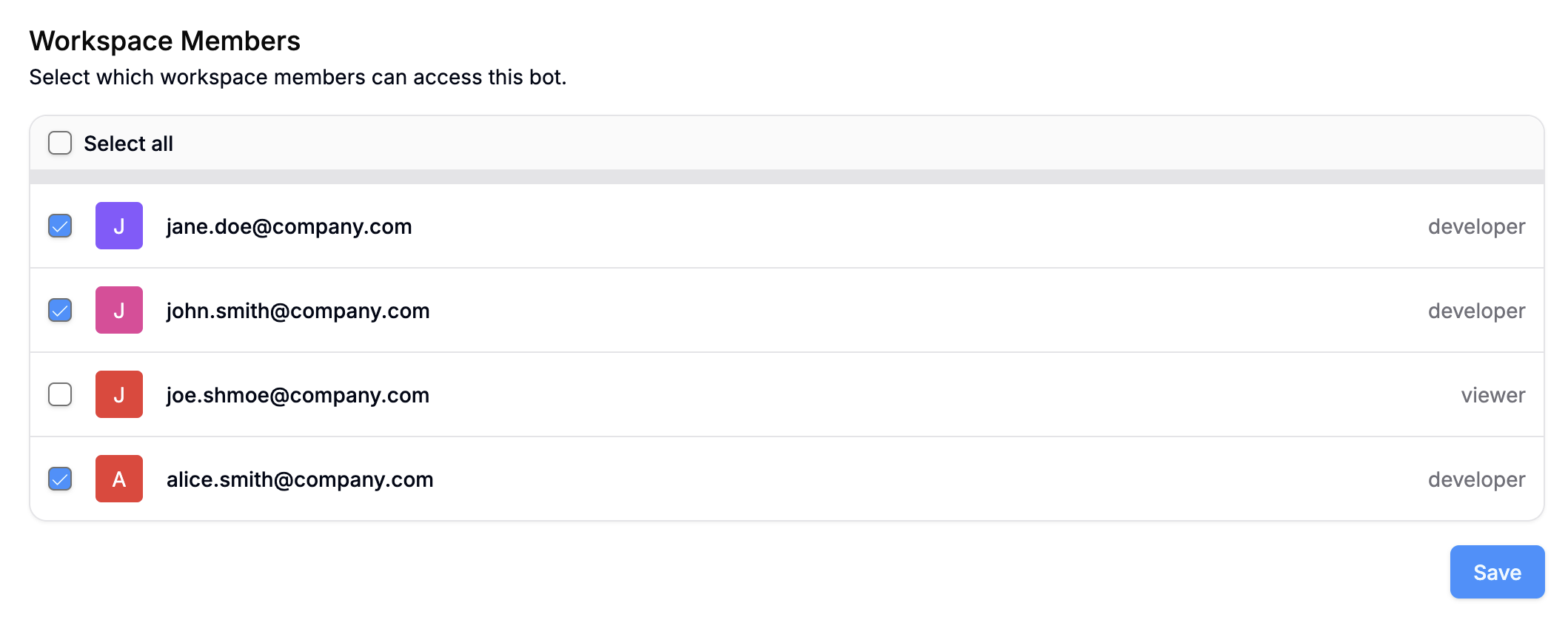
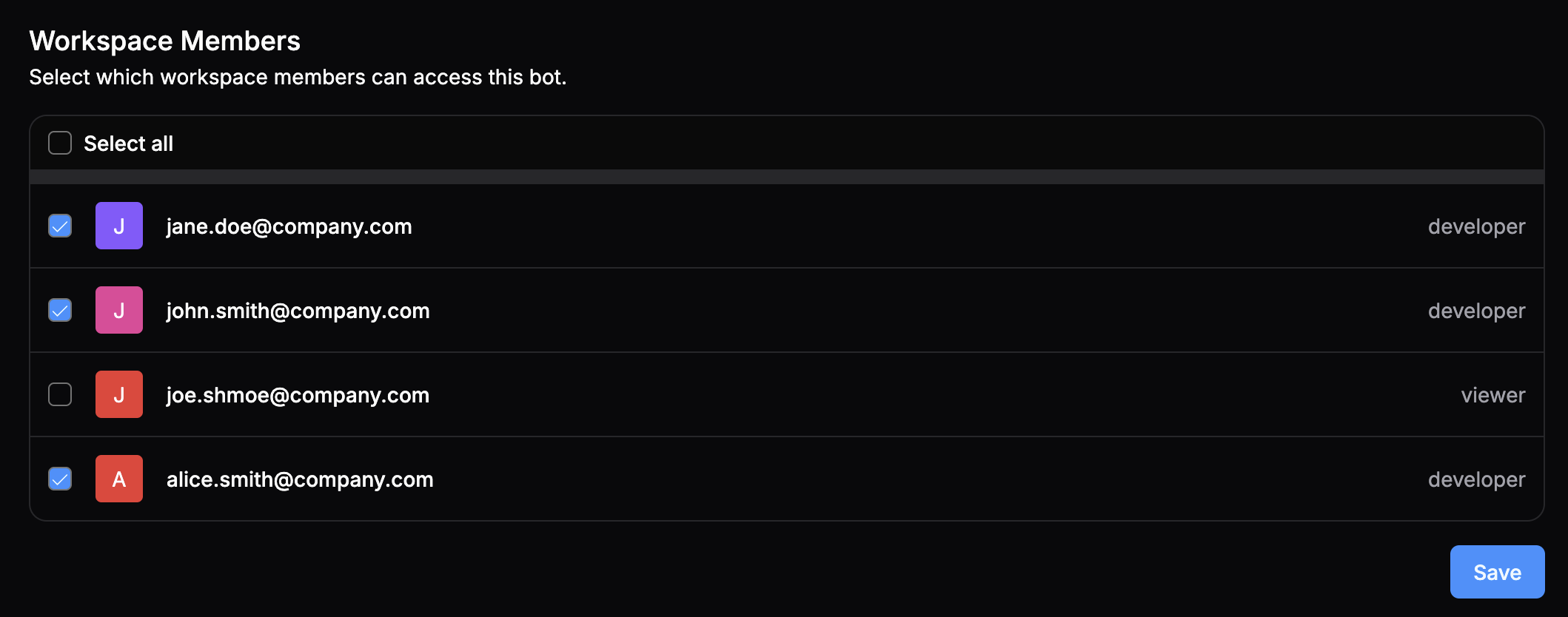 When you're done, select **Save**.
## Access control vs. roles
Access control is an *agent-level setting*—it doesn't change the workspace member's access to any other agents or their overall role in the workspace. You can configure workspace-level roles in your [Workspace settings](/get-started/configure-your-workspace#manage-roles).
Workspace owners and administrators always have access to all bots in a workspace.
When you're done, select **Save**.
## Access control vs. roles
Access control is an *agent-level setting*—it doesn't change the workspace member's access to any other agents or their overall role in the workspace. You can configure workspace-level roles in your [Workspace settings](/get-started/configure-your-workspace#manage-roles).
Workspace owners and administrators always have access to all bots in a workspace.