> ## Documentation Index
> Fetch the complete documentation index at: https://botpress.com/docs/llms.txt
> Use this file to discover all available pages before exploring further.
# Track AI spend in a table
You can store data about your bot's AI spend in a table that automatically updates throughout all your bot's conversations. This includes cost from any of your bot's AI usage, including:
* [Autonomous Nodes](/studio/concepts/nodes/autonomous-node)
* [AI Cards](/studio/concepts/cards/ai/introduction)
* Queries to a [Knowledge Base](/studio/concepts/knowledge-base/introduction)
You will need:
* A [published bot](/get-started/quick-start)
## Step 1: Create a table
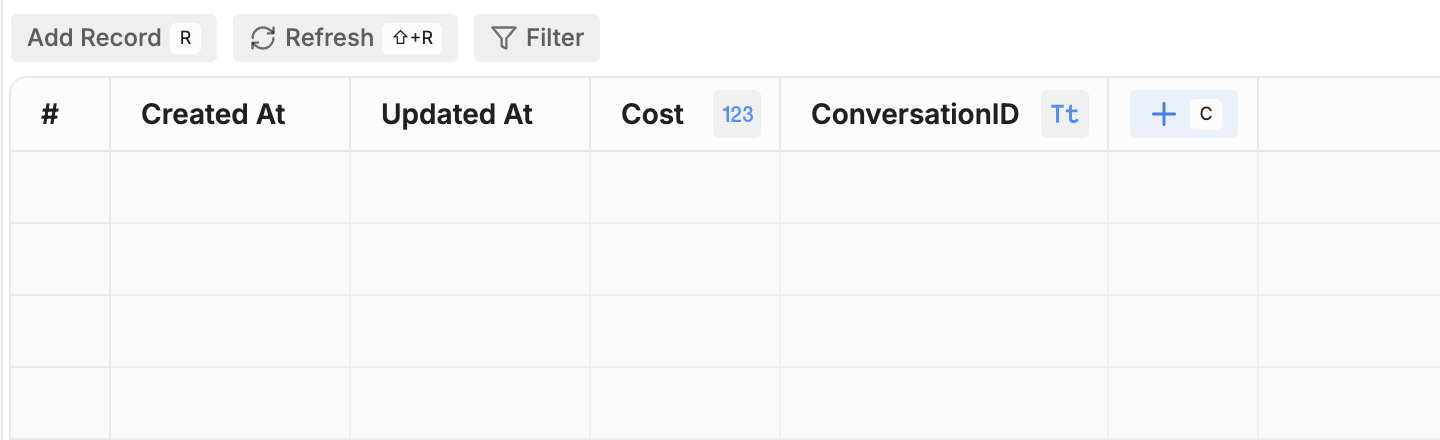
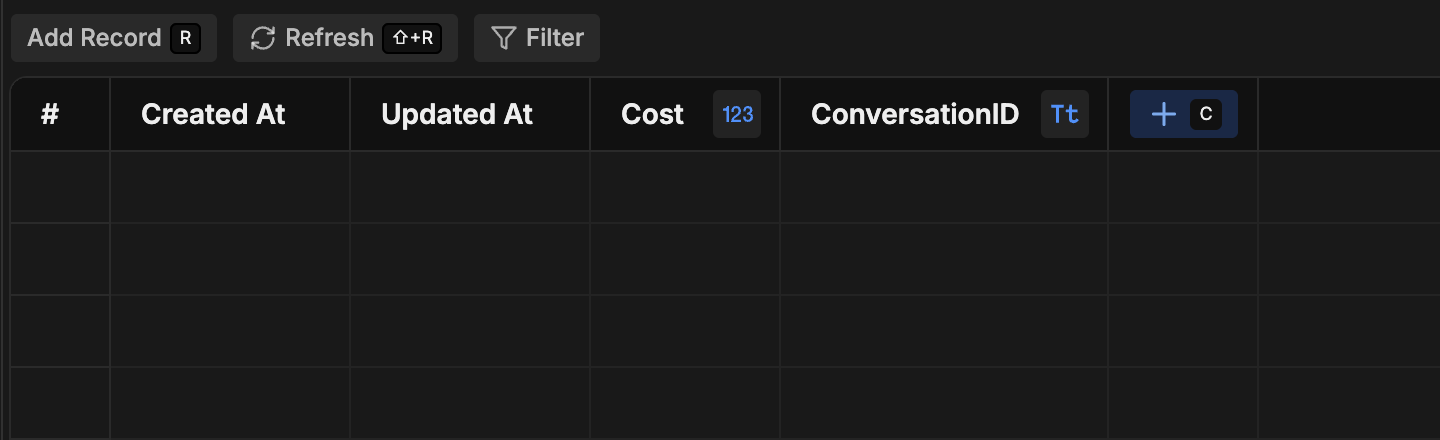
1. [Create a new table](/studio/concepts/tables#creating-a-table) named `SpendTable`.
2. Add two columns to the table:
* **Cost** (set the type to **Number**)
* **ConversationID** (set the type to **String**)
 ## Step 2: Add a Hook to track AI spend
1. [Create a new Hook](/studio/concepts/hooks#add-a-hook) with the type [After Turn End](/studio/concepts/hooks#after-turn-end).
2. Paste the following code into the Hook:
```javascript theme={"theme":{"light":"light-plus","dark":"dark-plus"}}
// Convert spend from nano-dollars to dollars
const llm_spend = metadata.tokens.cost / 1000000000;
// Create a row for the current turn's AI spend
client.createTableRows({
table: 'SpendTable',
rows: [
{
Cost: llm_spend,
ConversationID: event.conversationId,
}
]
});
```
This Hook runs after each turn—that is, after the bot has received a message, processed it, and sent its response. The code snippet above does the following:
* Retrieves the AI spend for the current turn
* Convert the cost from nano-dollars into standard dollars
* Saves the cost and conversation ID to the `SpendTable`
## Step 3: Test your table
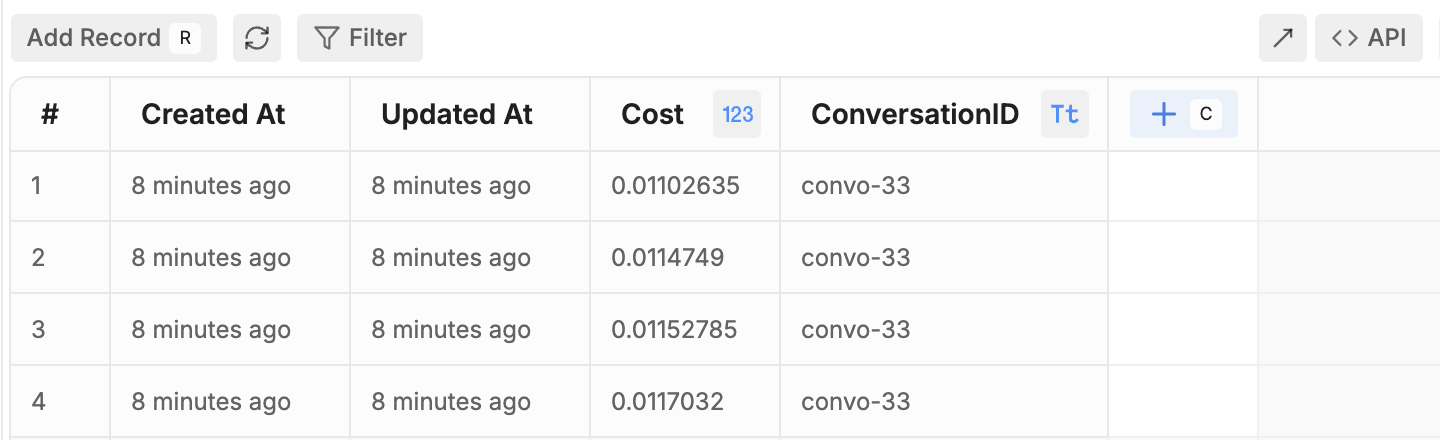
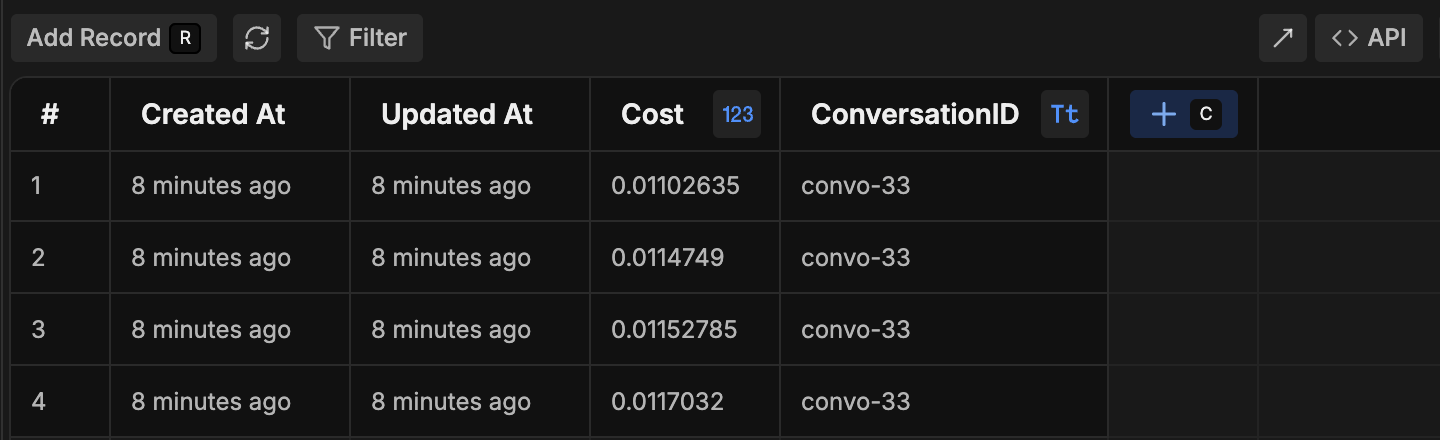
Try chatting with your bot in the emulator. After every message your bot sends, your table should automatically create a new row. The AI spend will display in the **Cost** column:
## Step 2: Add a Hook to track AI spend
1. [Create a new Hook](/studio/concepts/hooks#add-a-hook) with the type [After Turn End](/studio/concepts/hooks#after-turn-end).
2. Paste the following code into the Hook:
```javascript theme={"theme":{"light":"light-plus","dark":"dark-plus"}}
// Convert spend from nano-dollars to dollars
const llm_spend = metadata.tokens.cost / 1000000000;
// Create a row for the current turn's AI spend
client.createTableRows({
table: 'SpendTable',
rows: [
{
Cost: llm_spend,
ConversationID: event.conversationId,
}
]
});
```
This Hook runs after each turn—that is, after the bot has received a message, processed it, and sent its response. The code snippet above does the following:
* Retrieves the AI spend for the current turn
* Convert the cost from nano-dollars into standard dollars
* Saves the cost and conversation ID to the `SpendTable`
## Step 3: Test your table
Try chatting with your bot in the emulator. After every message your bot sends, your table should automatically create a new row. The AI spend will display in the **Cost** column:
 Your table will now keep a record of your bot's AI spend for each turn.
## Step 4 (Optional): Calculate total AI spend per conversation
Your table now stores the AI spend for each turn—but you can also store each conversation's total AI spend in a separate table.
1. Create a second table named `TotalSpendTable`.
2. Add the same two columns as the first table:
* **Cost** (set the type to **Number**)
* **ConversationID** (set the type to **String**)
3. [Create a new Hook](/studio/concepts/hooks#add-a-hook) with the type [After Conversation End](/studio/concepts/hooks#after-conversation-end).
4. Paste the following code into the Hook:
```javascript theme={"theme":{"light":"light-plus","dark":"dark-plus"}}
// Finds table rows with the current conversation ID
const tableResponse = await client.findTableRows({
table: 'SpendTable',
filter: {
ConversationID: event.conversationId
}
});
// Calculates the total AI spend for the conversation
let totalSpend = 0;
for (let i = 0; i < tableResponse.rows.length; i++) {
totalSpend += tableResponse.rows[i].Cost;
};
// Creates a row in the new table with the total AI spend for the conversation
client.createTableRows({
table: 'TotalSpendTable',
rows: [
{
Cost: totalSpend,
ConversationID: event.conversationId,
}
]
});
```
This Hook runs after the end of each conversation. The code snippet above does the following:
* Retrieves the AI spend for each turn of the conversation
* Sums them up to get the total AI spend for the conversation
* Creates a row in `TotalSpendTable` with the total AI spend for the conversation
If you're using an Autonomous Node in your main [Workflow](/studio/concepts/workflows), the conversation will only end when it [times out](/studio/concepts/bot-settings#inactivity-timeout). This means you'll need to wait for the duration of your bot's inactivity timeout before your table updates with the total AI spend.
Your table will now keep a record of your bot's AI spend for each turn.
## Step 4 (Optional): Calculate total AI spend per conversation
Your table now stores the AI spend for each turn—but you can also store each conversation's total AI spend in a separate table.
1. Create a second table named `TotalSpendTable`.
2. Add the same two columns as the first table:
* **Cost** (set the type to **Number**)
* **ConversationID** (set the type to **String**)
3. [Create a new Hook](/studio/concepts/hooks#add-a-hook) with the type [After Conversation End](/studio/concepts/hooks#after-conversation-end).
4. Paste the following code into the Hook:
```javascript theme={"theme":{"light":"light-plus","dark":"dark-plus"}}
// Finds table rows with the current conversation ID
const tableResponse = await client.findTableRows({
table: 'SpendTable',
filter: {
ConversationID: event.conversationId
}
});
// Calculates the total AI spend for the conversation
let totalSpend = 0;
for (let i = 0; i < tableResponse.rows.length; i++) {
totalSpend += tableResponse.rows[i].Cost;
};
// Creates a row in the new table with the total AI spend for the conversation
client.createTableRows({
table: 'TotalSpendTable',
rows: [
{
Cost: totalSpend,
ConversationID: event.conversationId,
}
]
});
```
This Hook runs after the end of each conversation. The code snippet above does the following:
* Retrieves the AI spend for each turn of the conversation
* Sums them up to get the total AI spend for the conversation
* Creates a row in `TotalSpendTable` with the total AI spend for the conversation
If you're using an Autonomous Node in your main [Workflow](/studio/concepts/workflows), the conversation will only end when it [times out](/studio/concepts/bot-settings#inactivity-timeout). This means you'll need to wait for the duration of your bot's inactivity timeout before your table updates with the total AI spend.