

execute() and the model searches it automatically when prompted, returning any results it finds with citations.
Create a knowledge base
Create a file insrc/knowledge/:
execute(), the LLM reads each one’s description to pick which to search. Keep descriptions short and specific.
Browse your knowledge bases, inspect indexing status, and view individual files from the dev console:
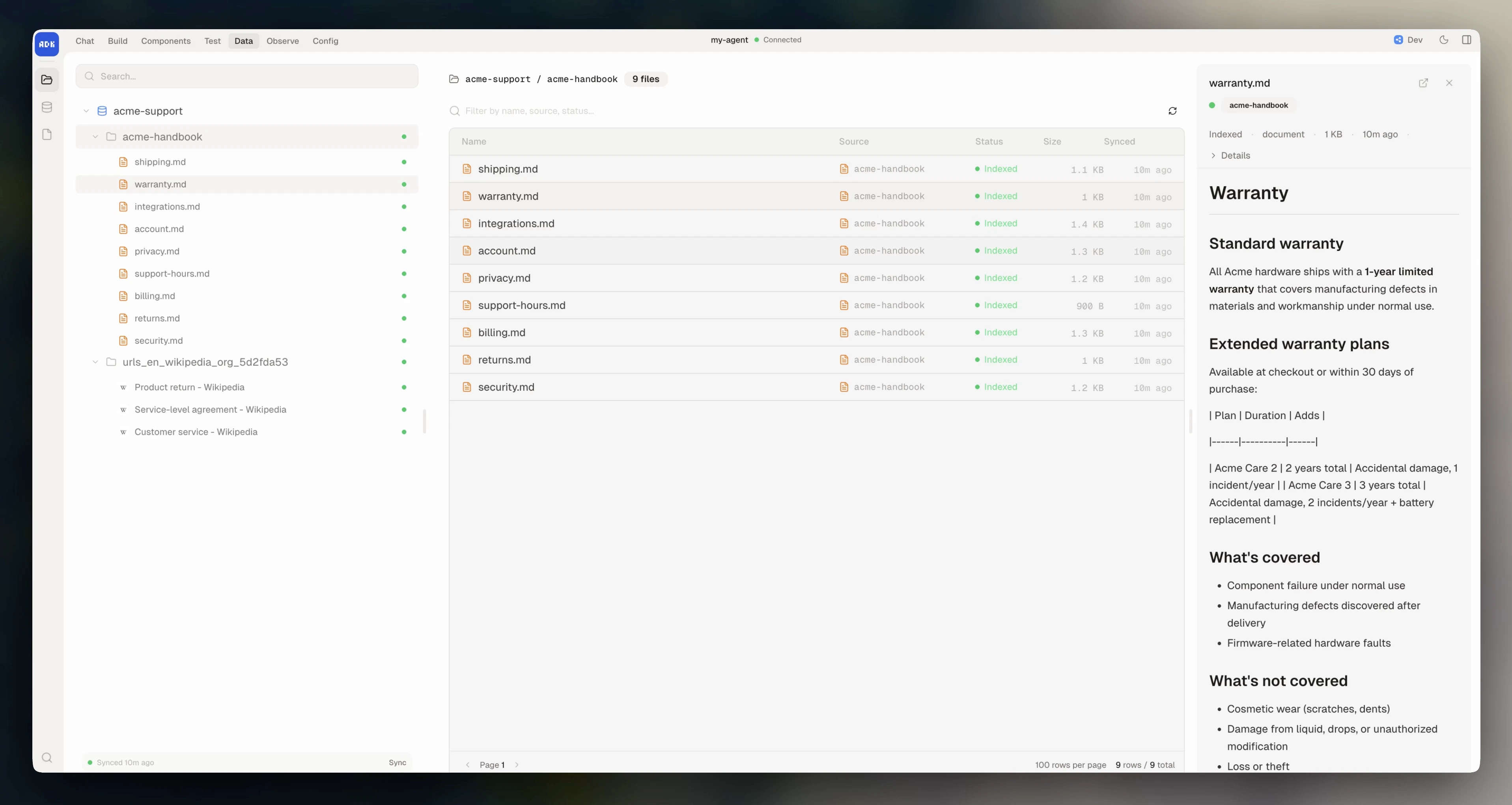
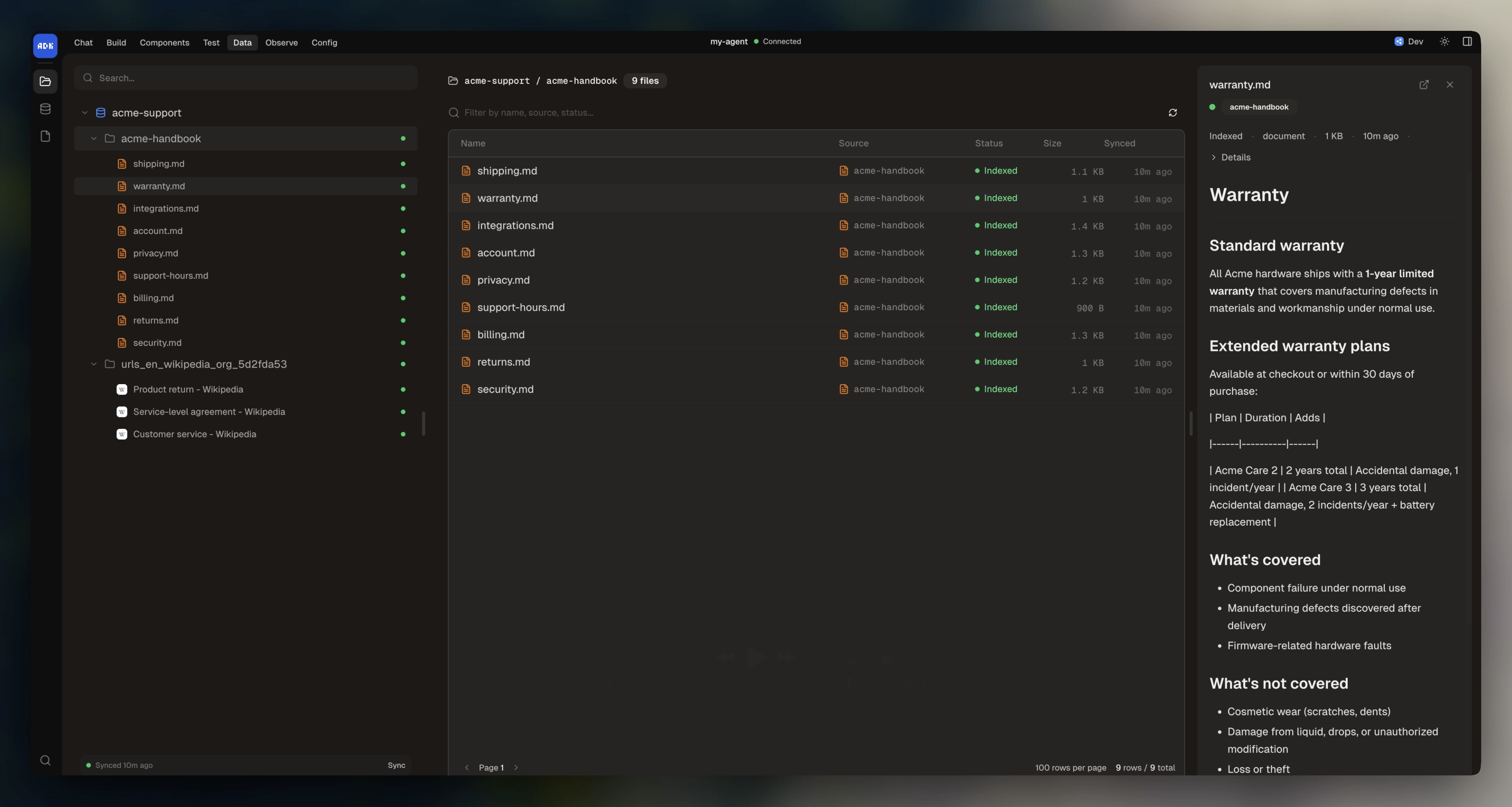
Use it in a conversation
Pass knowledge bases toexecute() via the knowledge array. The model searches them automatically when it needs information, and includes citations back to the source documents:
Data sources
A knowledge base indexes one or more data sources. The ADK ships two types: websites and local directories.Website from sitemap
Index all pages in a sitemap:Website from base URL
Crawl a website starting from a URL:fetch: "integration:browser" to the options and add the Browser integration to your agent (see Integrations).
Website from llms.txt
Index pages referenced in anllms.txt file:
Website from specific URLs
Index a fixed list of pages:Website source options
All four website factories accept the same options:Directory
Index files from a local directory:Search a knowledge base directly
To search a KB outside ofexecute(), call search() on the instance. This is useful for custom retrieval, suggested-articles user interfaces, or populating context manually:
Re-index a knowledge base
By default, knowledge bases index duringadk dev and adk deploy.
On a schedule
To re-index on a schedule, use a workflow:Force re-indexing
To force re-indexing even if content hasn’t changed pass inforce: true: