

Creating an action
Create a file insrc/actions/:
calculateTotal, not calculate_total).
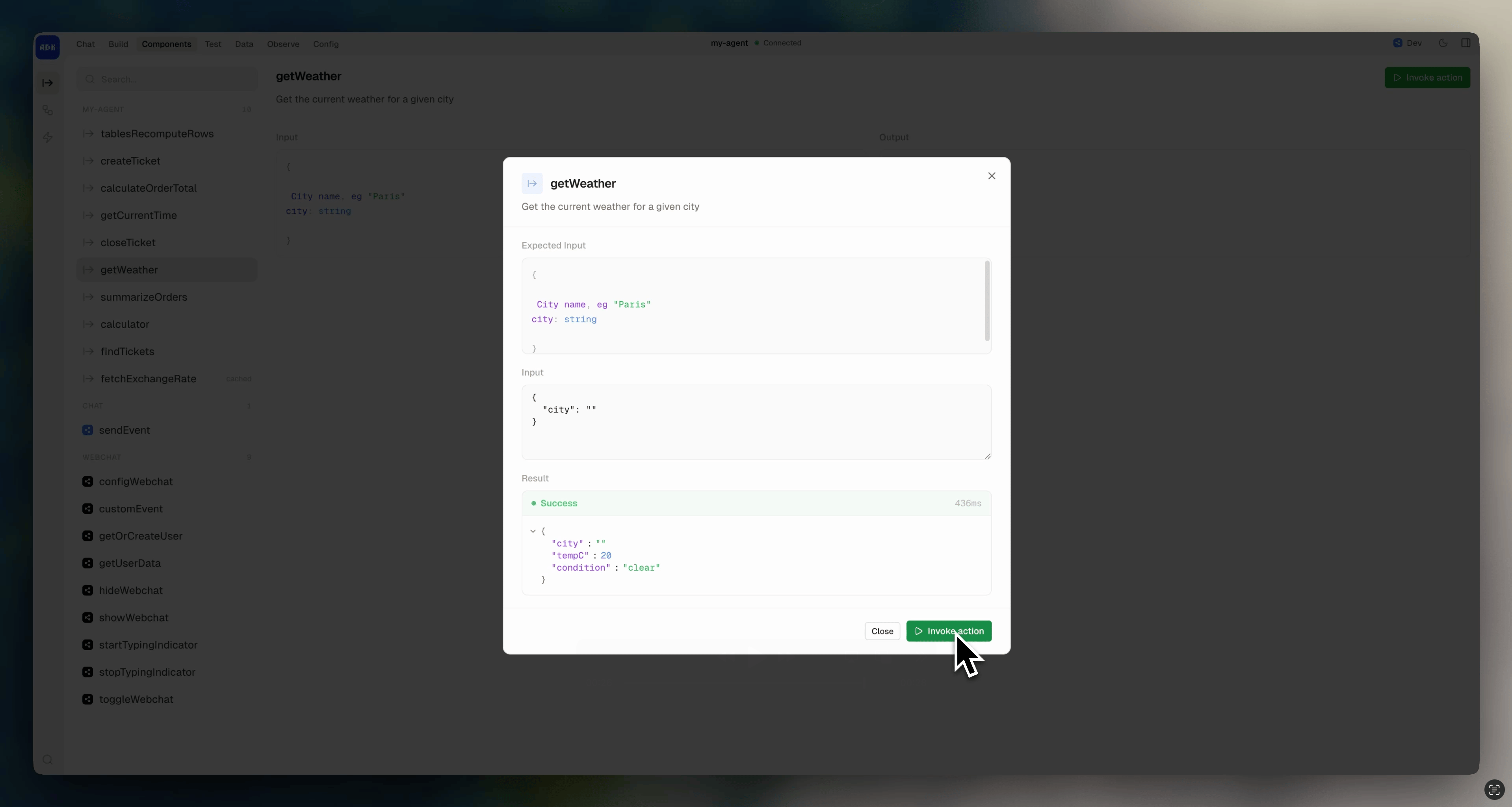
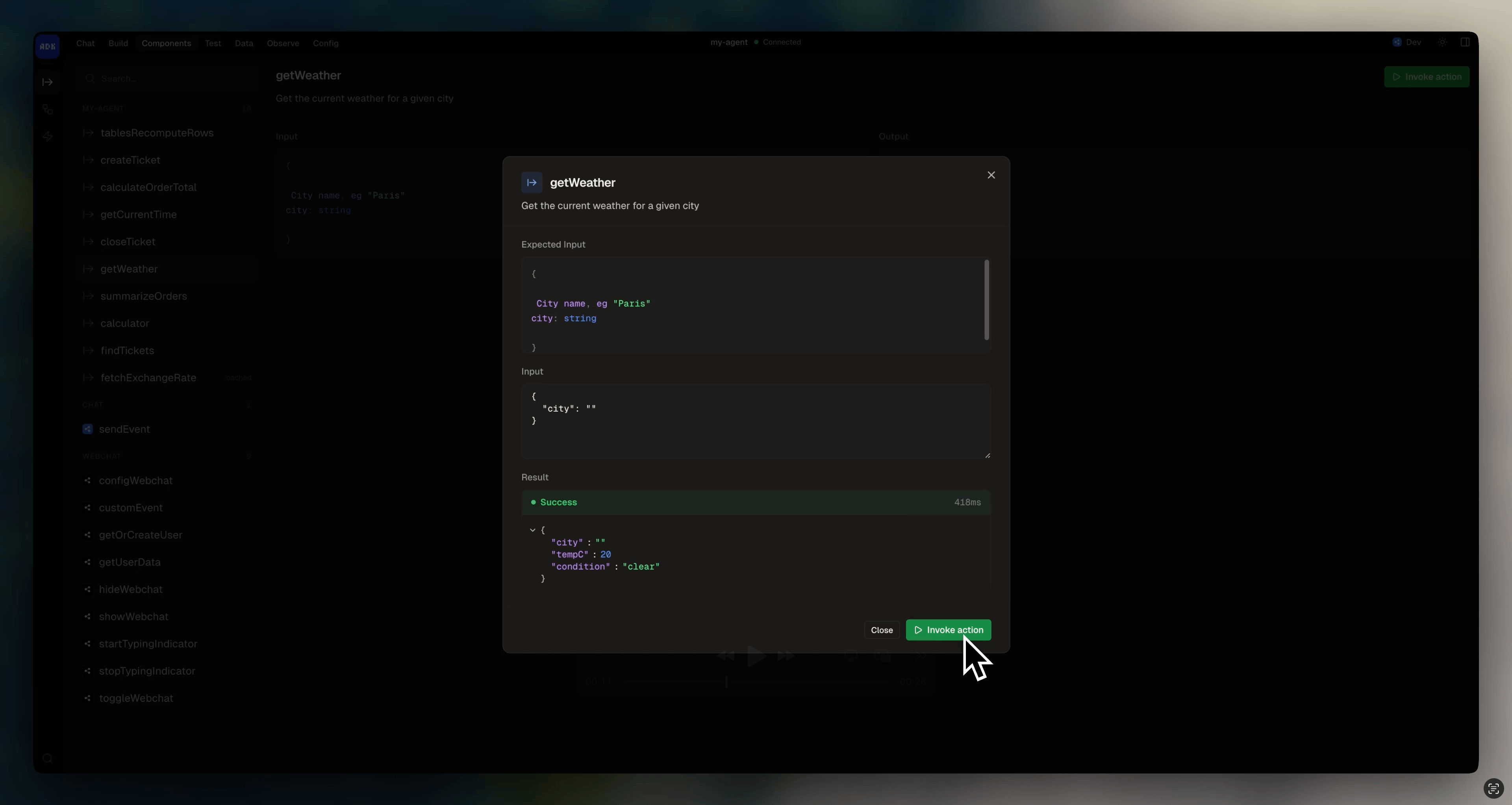
Browse and test actions from the dev console:
Caching results
Setcached: true to cache an action’s output by its input. Subsequent calls with the same input return the cached result instead of re-running the handler:
Calling actions
Importactions from @botpress/runtime and call any action by name. The action’s input and output are fully typed.
From a conversation
From a workflow
From a tool
From a trigger
As a tool
While actions are just functions that can be called from anywhere, tools only exist insideexecute() and are called by the LLM. If you want the LLM to have access to a certain action:
- Convert it to a tool with
.asTool() - Pass it into the
toolsfield:
description field:
Integration actions
When you add an integration, its actions are available underactions.<integration>:
Calling from external systems
Actions are exposed via the Botpress Runtime API’scallAction endpoint. External services can call your agent’s actions over HTTP: