

Adding integrations
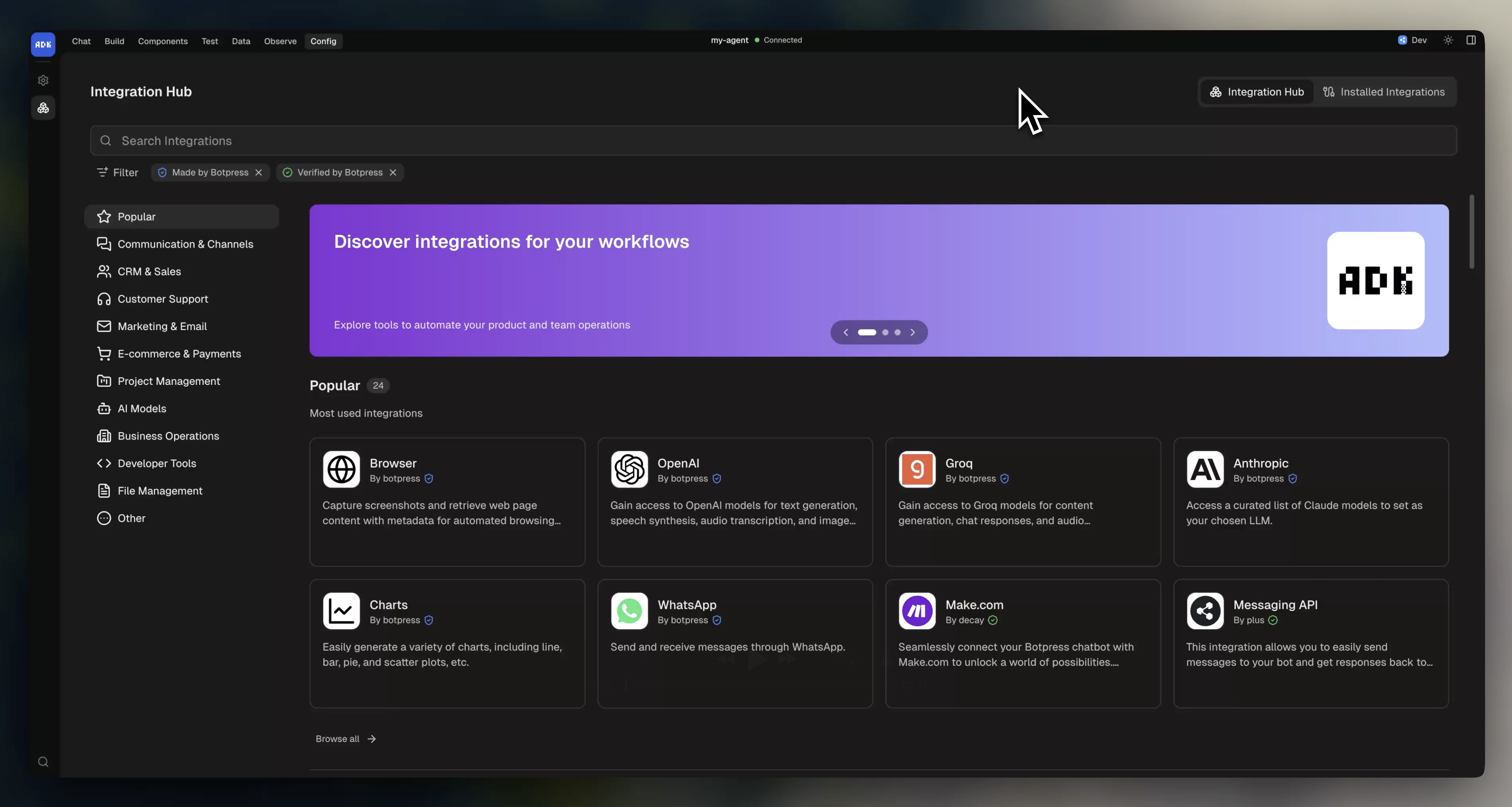
The dev console has a built-in integration hub. Browse the full catalog and install any integration straight into your project, no CLI needed: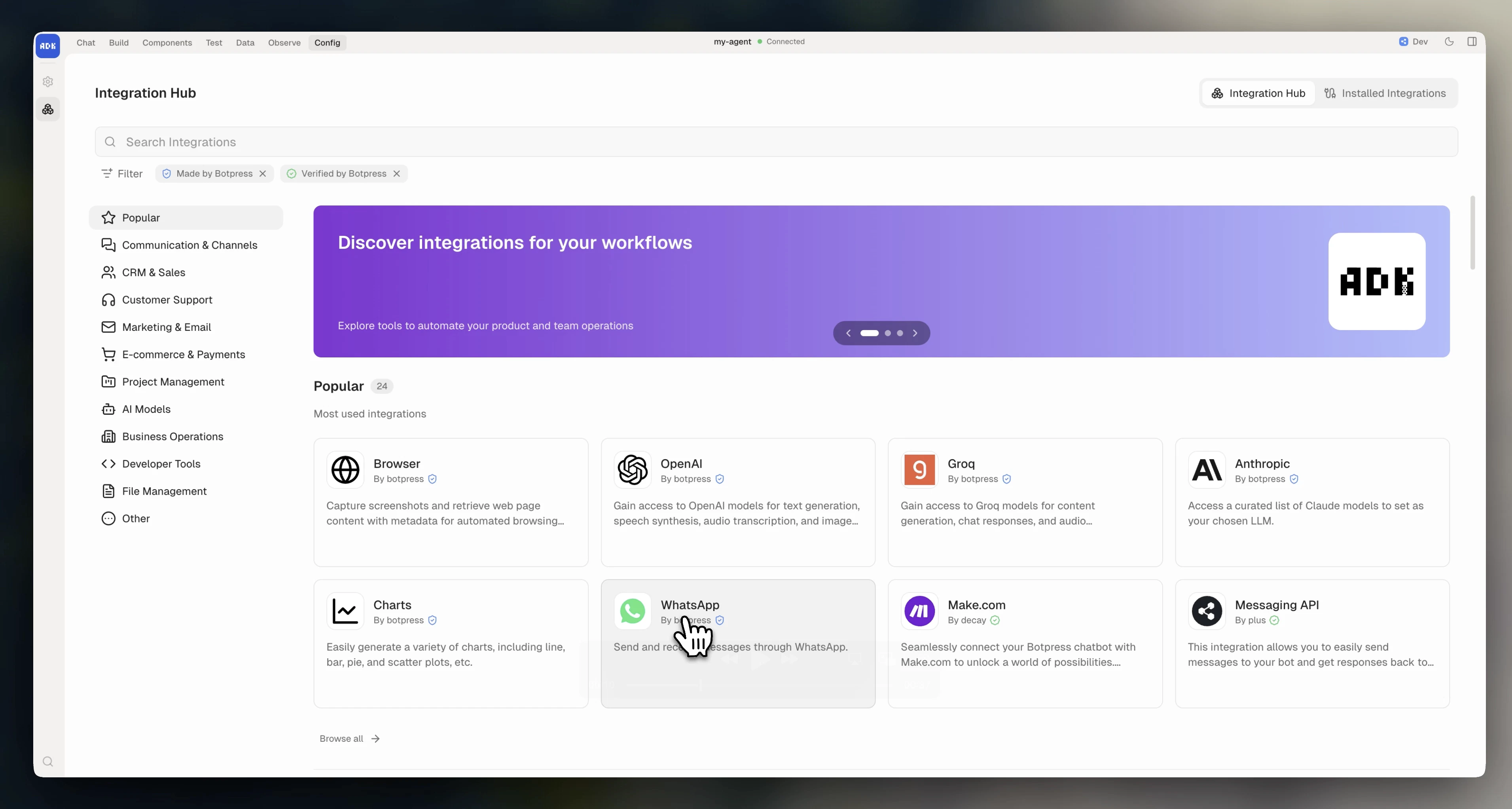
Configuring integrations
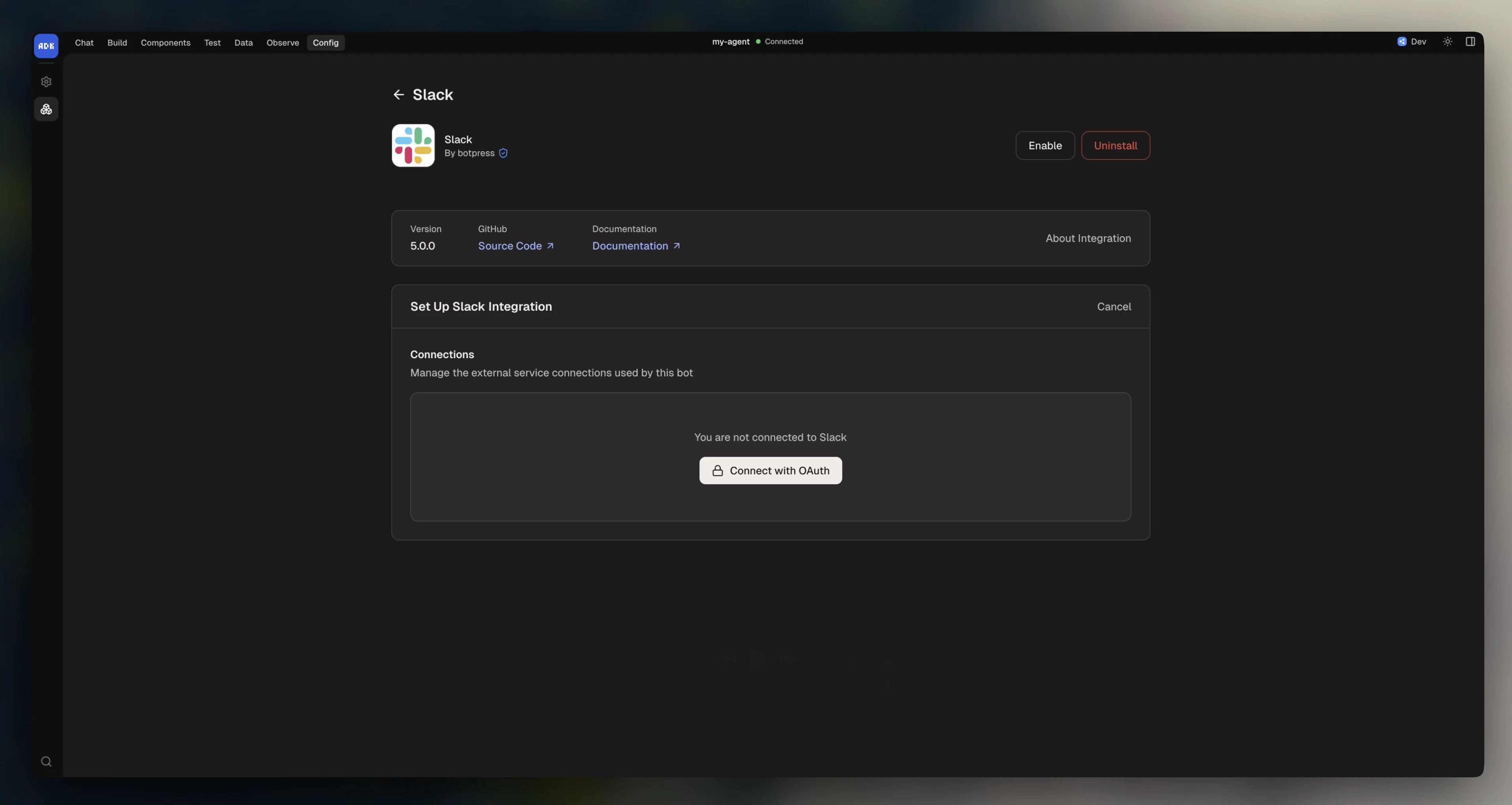
Most integrations need configuration (API keys, tokens, webhook URLs) before they can run. Open an installed integration in the dev console to fill in its settings: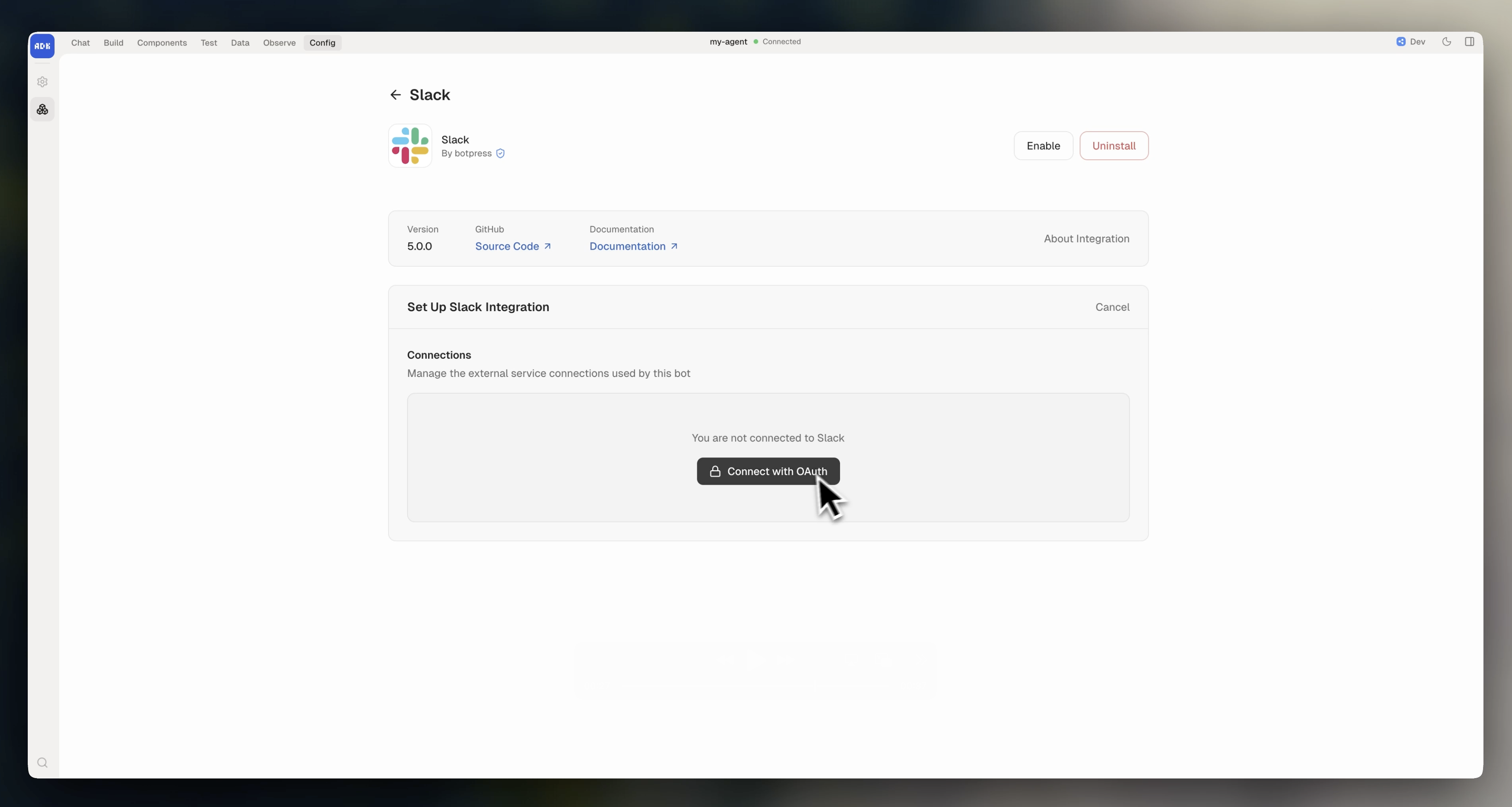
Enabling and disabling
Newly added integrations are disabled by default. You can enable them from the dev console, or switch to the object form inagent.config.ts and set enabled: true:
enabled: false:
Managing integrations using the CLI
You can also manage integrations from the command line:
Newly added integrations are disabled by default. You can enable and configure them in the dev console.
For full documentation on managing integrations via the command line, check out the CLI reference.
Integration versions
Here’s the syntax for referencing integration versions:
Use
@latest during development. Pin to specific versions for production deployments.