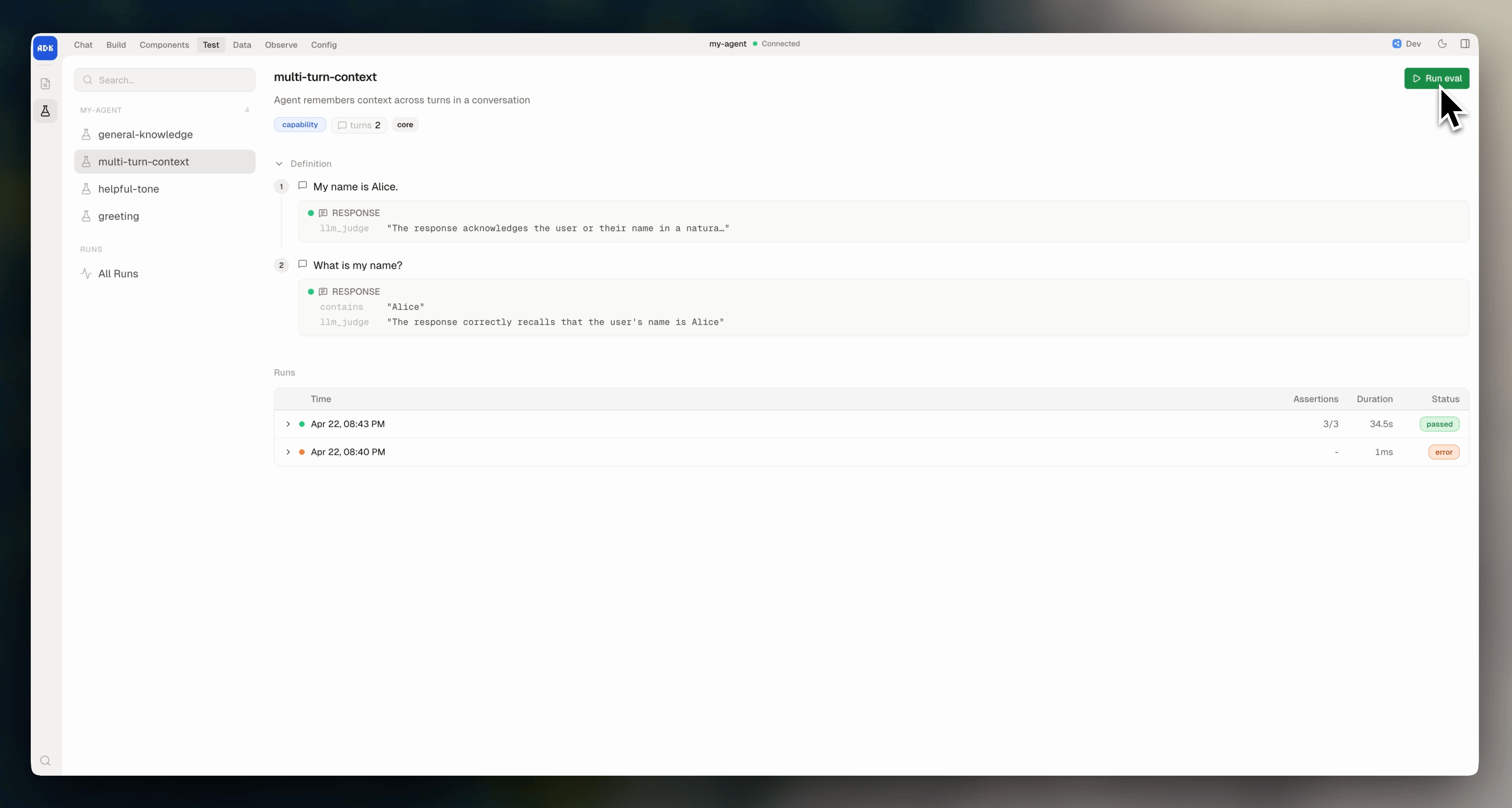
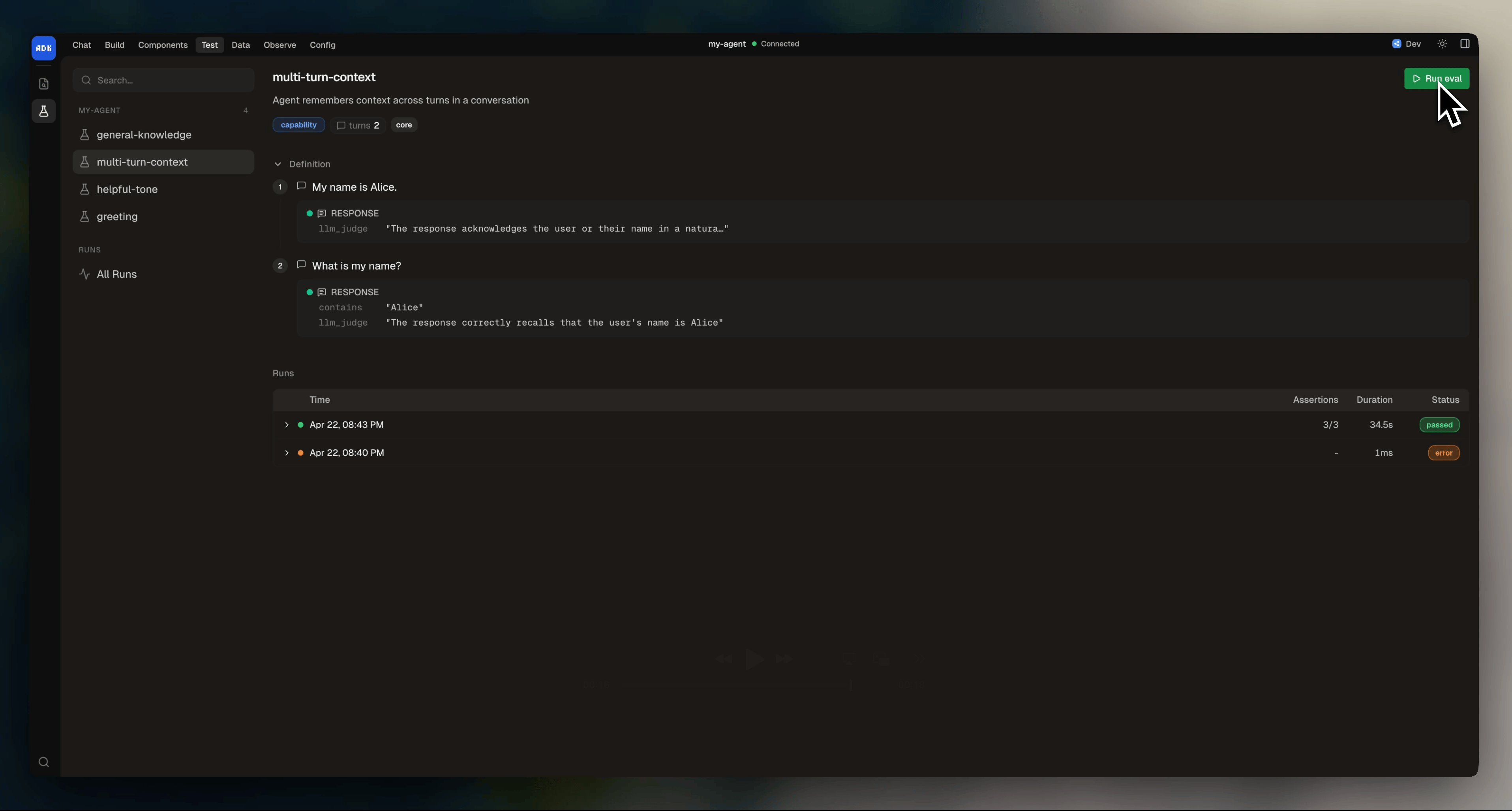
Create an eval
Create.eval.ts files in the evals/ directory at your agent root:
Eval instances as the default export or named exports.
Conversation turns
An eval’sconversation is a sequence of turns. Each turn can send a user message, fire an event, or assert the agent stays silent, plus optionally assert on what happens.
Send user messages:
Assertions
Each turn’sassert block can hold any combination of the assertion types below.
Response
Assert on the text of the agent’s reply:Tools
Assert on which tools the agent called:
Use these operators inside
params to match tool arguments:
State
Assert on state changes after a turn:Tables
Assert on table data:Workflows
Assert on workflow state:Timing
Assert on response time:LLM judge
Usellm_judge when the right answer isn’t a fixed string. You describe what a good response looks like in plain English, and an LLM scores the agent’s reply against it. It’s the right choice for subjective checks like tone, intent, or whether the agent understood the user:
Setup and outcome
setup runs before the first turn. outcome runs after the last.
Setup
Seed state or trigger a workflow before the conversation starts:Outcome
Assert on state, tables, or workflows after the entire conversation completes. Outcome assertions use the same shapes as turn assertions:Configure eval behavior
Set defaults for all evals inagent.config.ts:
Override
judgePassThreshold or idleTimeout on a specific eval:
Organize evals
Evals have two organizing fields that pair with CLI filters:tags and type.
Tags are free-form labels. Use them to group evals you want to run together (smoke tests, critical paths, slow suites):
capability: tests that a feature works as designedregression: reproduces a past bug so it doesn’t come back
Run evals
From the CLI: