

Creating a trigger
Create a file insrc/triggers/:
events array lists which events this trigger subscribes to. The handler runs when any of the listed events fire.
Trigger names must be at least 3 characters and contain only alphanumeric characters and underscores.
Viewing triggers in the dev console
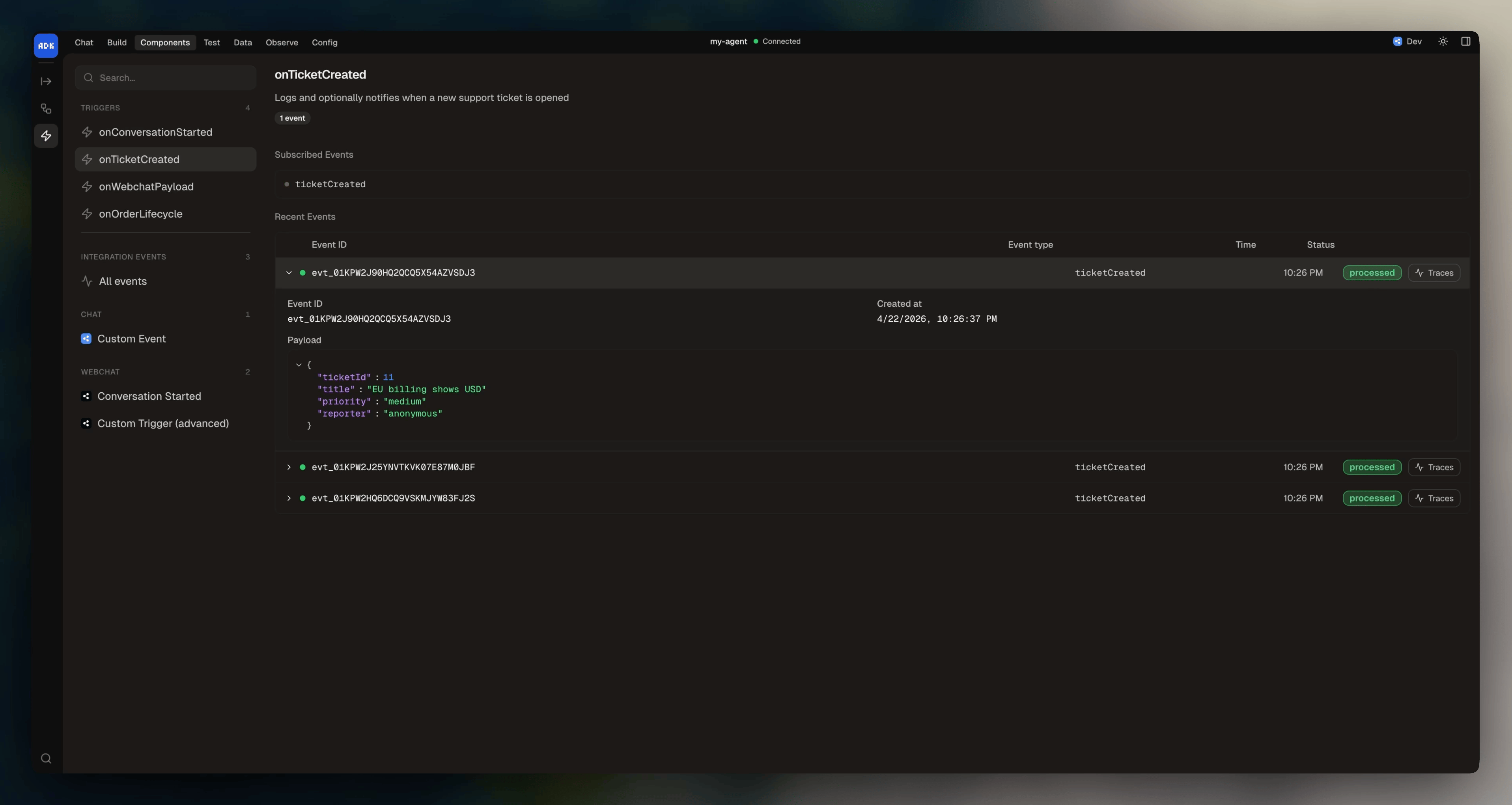
You can browse your triggers from the dev console at Components > Triggers: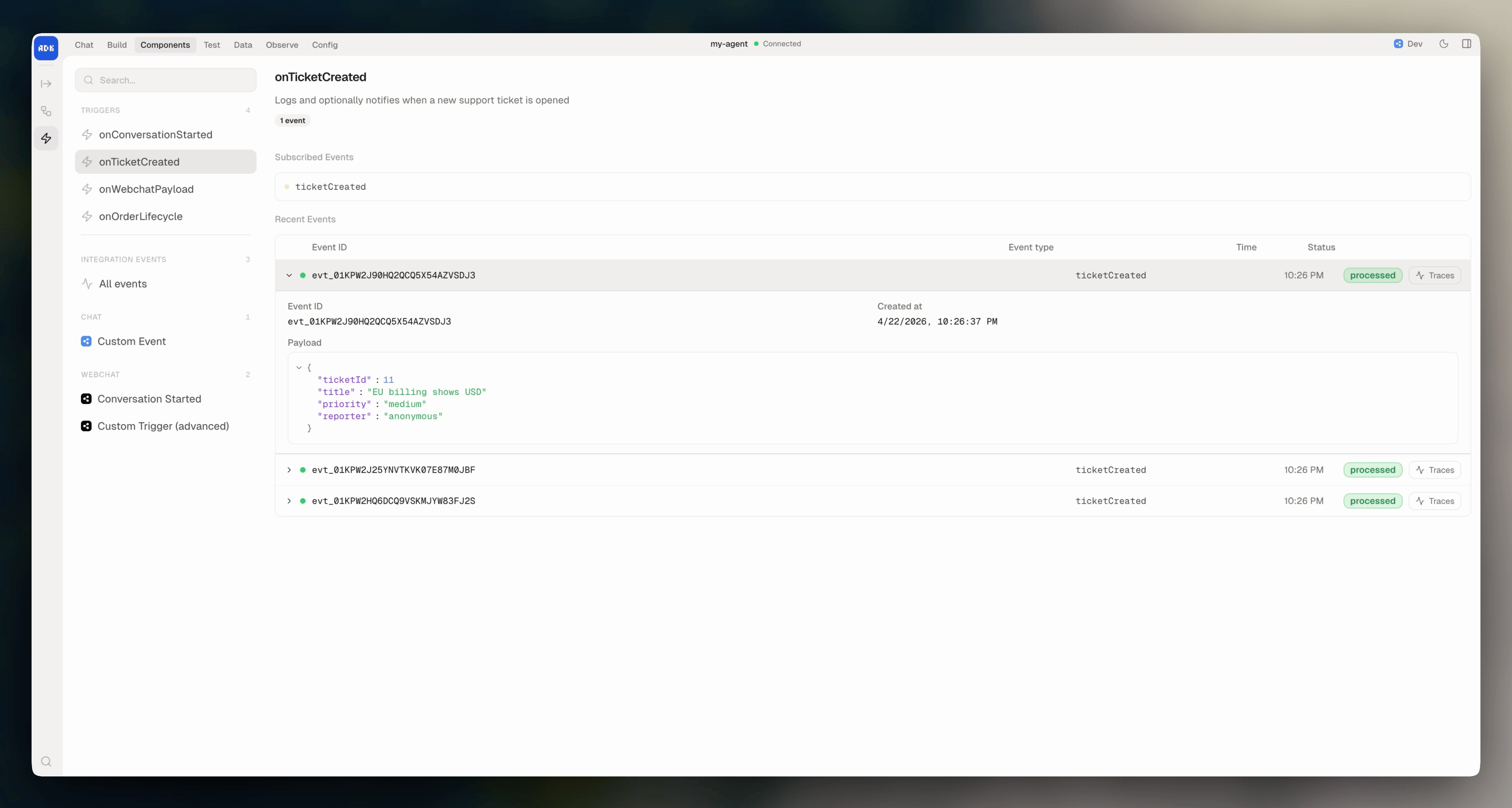
Event format
Events use the format"integration:eventName" for integration events, or just the event name for custom events defined in agent.config.ts.
The handler receives a single event parameter:
To make API calls from a trigger, pull the client from the runtime context:
const client = context.get("client").
Multiple events
A trigger can subscribe to multiple events and handle each differently:Custom events
Triggers can subscribe to custom events you define inagent.config.ts:
agent.config.ts
src/triggers/on-order.ts