

Creating a workflow
Create a file insrc/workflows/:
input and output schemas define what the workflow accepts and returns. Both use Zod.
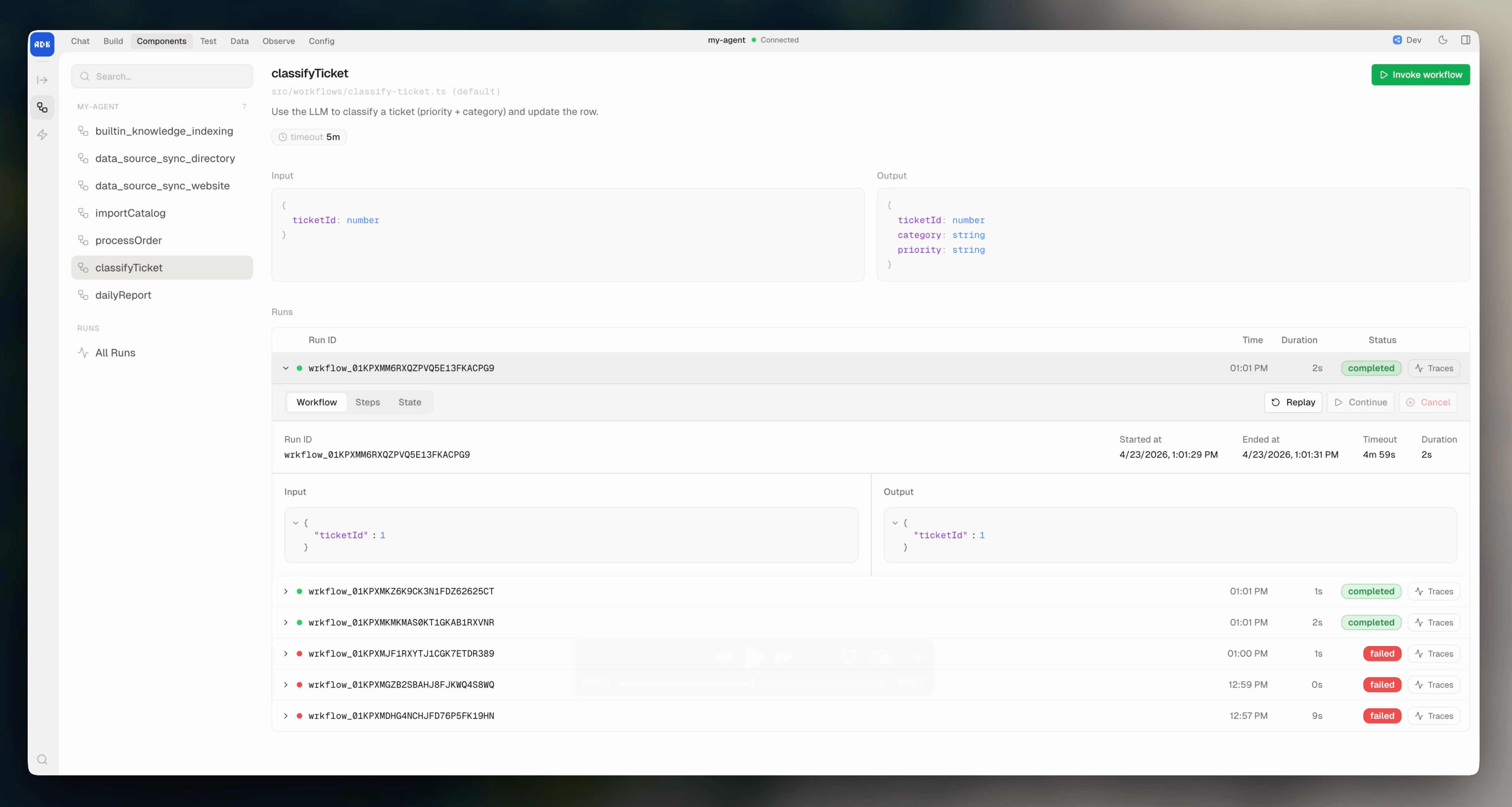
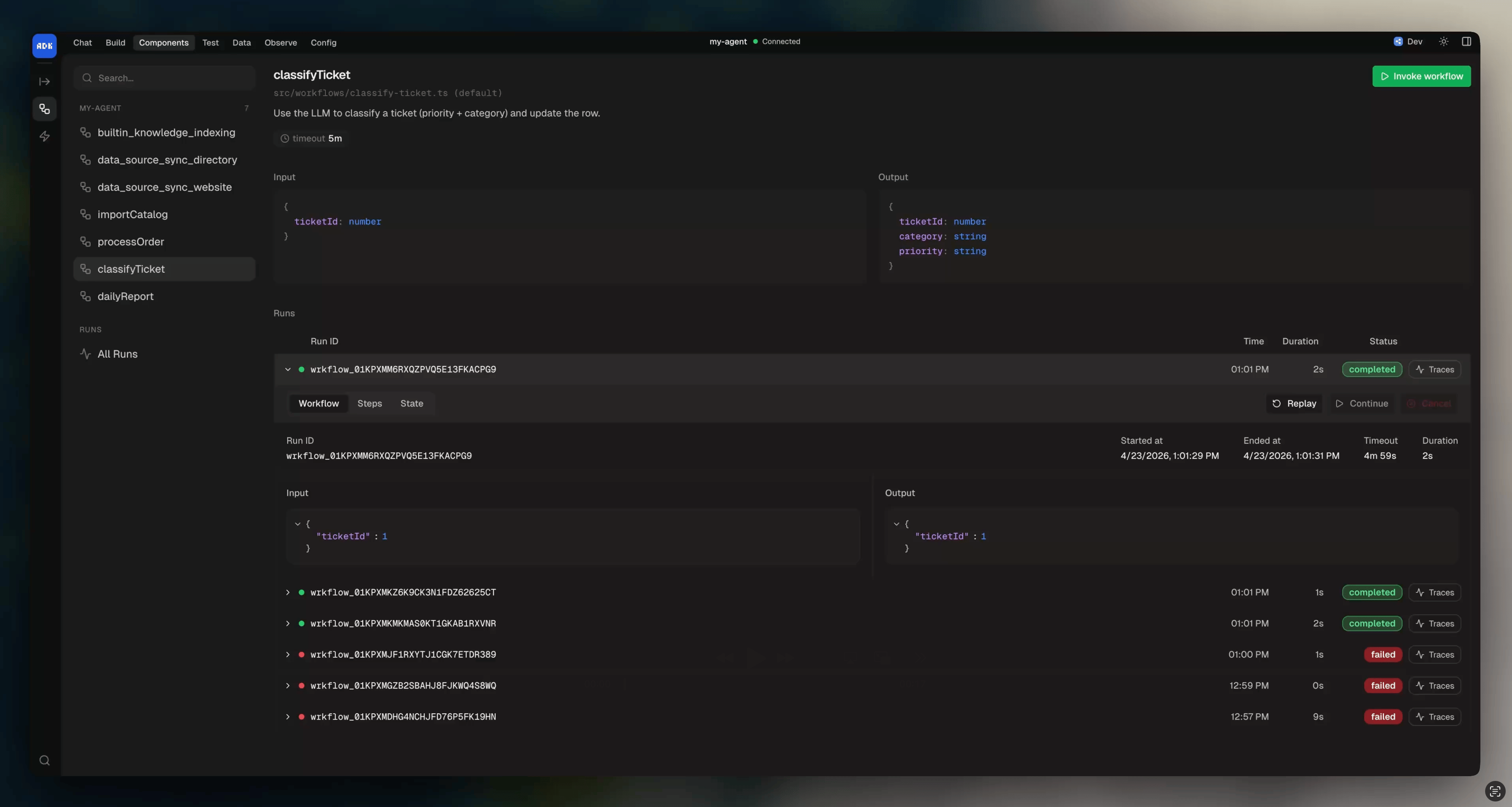
View running and completed workflows, their status, input, output, and run history from the dev console:
Persistent state
Add astate schema to carry data across the workflow’s steps and retries. State is persisted between executions:
Starting a workflow
Programmatically
On a schedule
Use a cron expression to run a workflow on a recurring schedule:As a tool
Convert a workflow to a tool so the AI model can start it duringexecute():
Deduplication
UsegetOrCreate() to avoid starting duplicate workflows:
statuses defaults to ["pending", "in_progress", "listening", "paused"] if you don’t pass it.
Loading a workflow by ID
Workflow instance
When you start a workflow, you get an instance with these methods:Cancel
Set timeout
Extend or change the workflow timeout:Complete early
End the workflow from inside the handler with a result:Fail from inside the handler
Mark the workflow as failed with a reason. This throws immediately and interrupts the handler:Run autonomous execute
Run the AI model inside the workflow, same as in conversations:Timeout
Workflows time out after 5 minutes by default. Use thetimeout prop to change this: